How to fix Varnish Cache 503 Guru Meditation Error
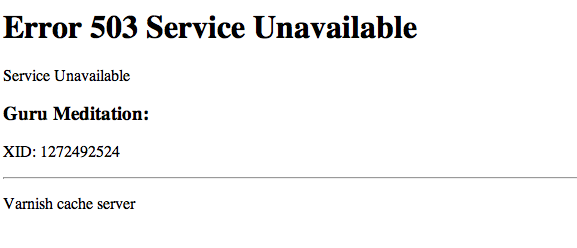
Guru Meditation Error is an unrecoverable error that occurs time to time when using Varnish Cache. The main reason for this type of error occurs is if the Backend server is not reachable.
Varnish Cache is a HTTP accelerator. It increases the speed of the website while simultaneously reducing the load on the Web server. Read how to install varnish cache for nginx on cent os
Its quite hard to know the source of the 503 Error. The following are some of the suggestions to fix the Varnish cache 503 error.
1. Restart PHP
Most of the time, it might be due to a long running process which time out and varnish gives 503 error. To do so, you can run the following command.
sudo service php restart2. Increase the Timeouts in VCL conf
Increasing the timeouts can help in allowing the process to complete before Varnish timeout occurs. To do so, you can change the config as given below,
backend default {
    .host = "127.0.0.1";
    .port = "8080";
    .connect_timeout = 600s;
    .first_byte_timeout = 600s;
    .between_bytes_timeout = 600s;
}Comments
No comments yet. Be the first to comment.